



Upcoming Events
Event Details 
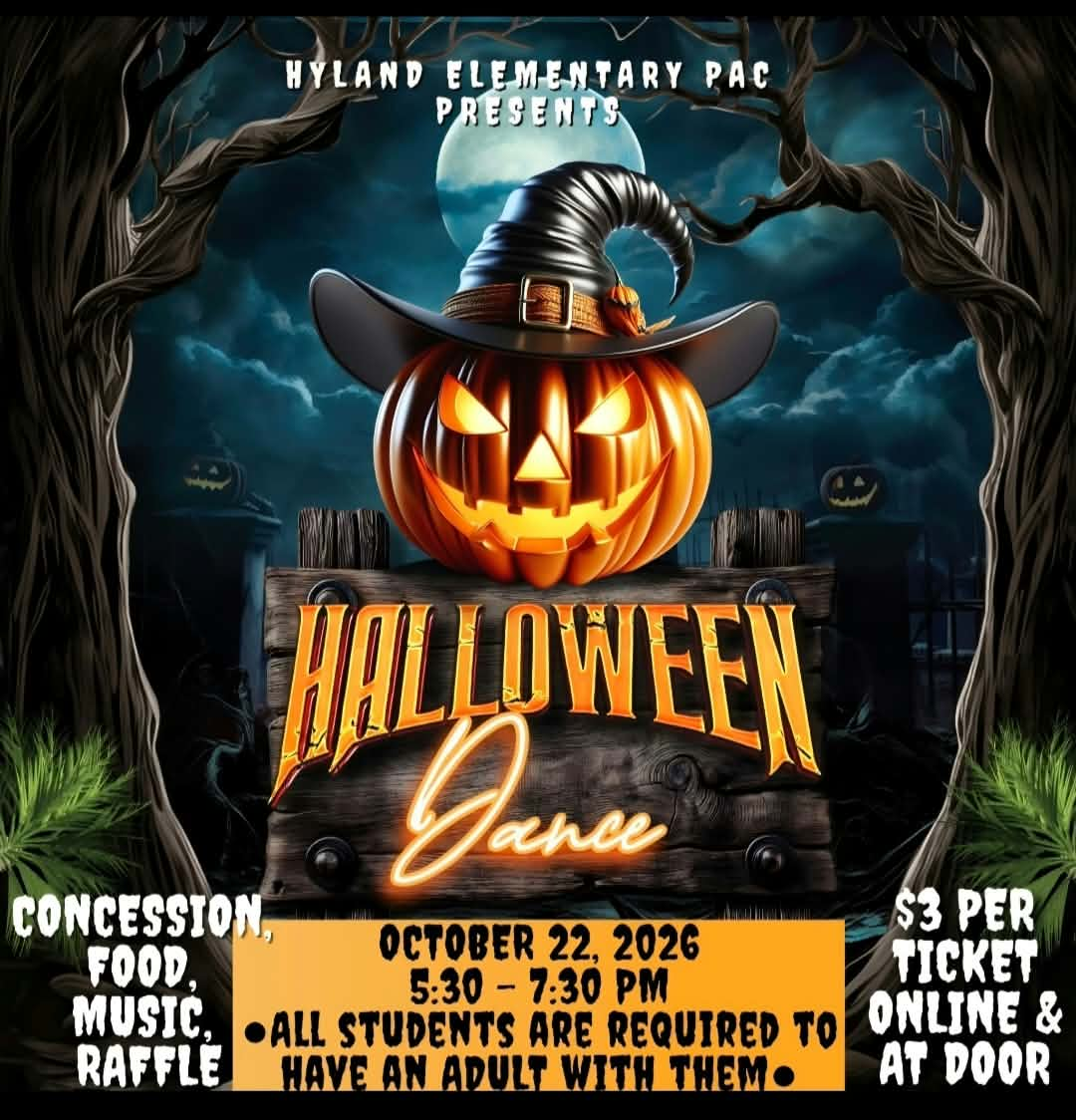
PAC Halloween Dance 5:30 PM - 7:30 PM
Fundraiser
It's that time of year again!!! The annual Hyland Elementary PAC Halloween dance is always the highlight of the season!!
Please see Munchalunch for tickets under the 'Fundraising Open' tab https://munchalunch.com/schools/Hyland/
Tickets are $3 per ticket available online and at the door.
Concession will be open all night. We will be offering pizza, candy, chips, donuts, treats and drinks!
All children must be accompanied by a paying adult. ONLY CURRENT HYLAND STUDENTS WILL BE PERMITTED TO ENTER.
As this is a fundraiser, no outside food please. Thank you, we appreciate your understanding.
Resources